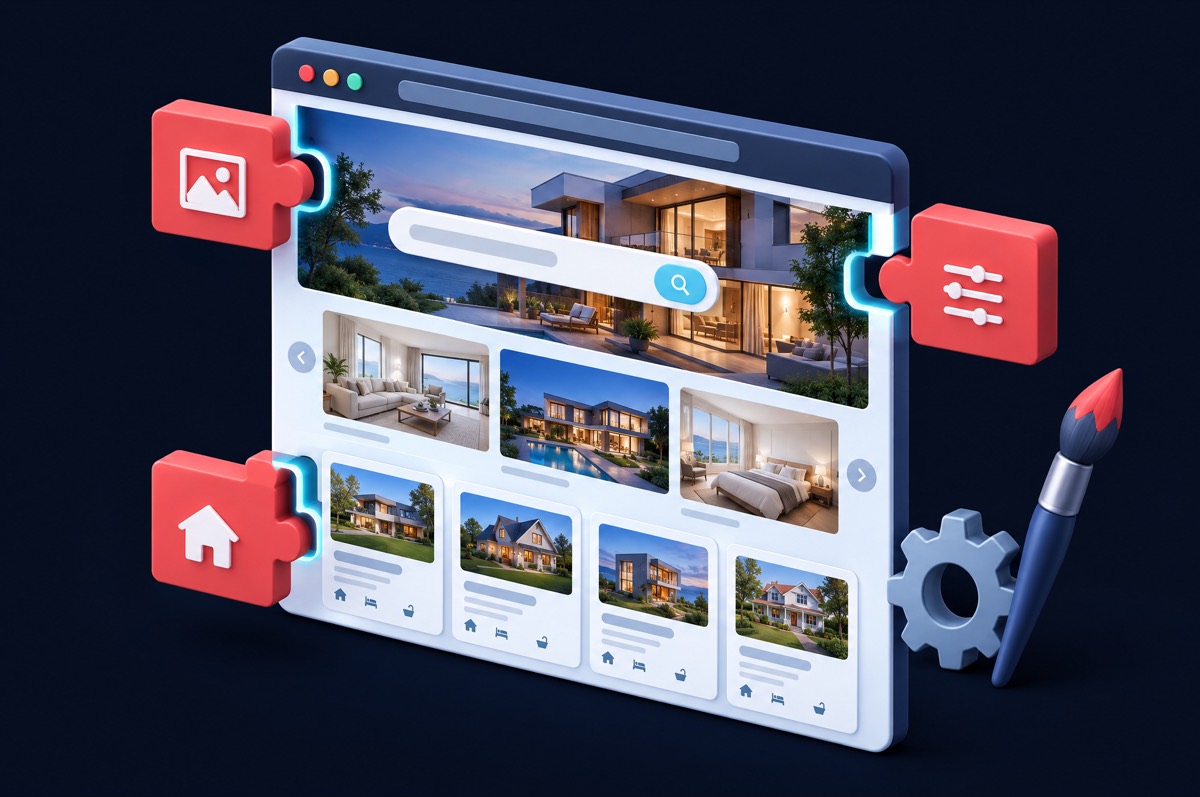
WordPress does not store MLS listings on its own. With IDX Broker, the listing data, search pages and lead database live in your IDX Broker account, and WordPress is the front end that ties it all together. The connector is IDX Broker’s free plugin, IMPress for IDX Broker.
This guide explains the moving parts so agents know what they are buying and web designers know what they are building. If you need the background first, read what IDX is. Every feature below is running on our live demo at idxapi.com, and the widget gallery shows each one with its settings.
The two halves of an IDX Broker site
An IDX Broker website on WordPress has two parts:
- Your WordPress pages, on your main domain. Home page, about page, blog, neighborhood pages. IMPress widgets drop live listing content into these.
- IDX Broker pages, on a subdomain. Search forms, results, listing details, map search and the lead’s account area. IDX Broker hosts and serves these.
The plugin’s WordPress.org listing describes it this way: IDX content is hosted on a subdomain of your primary domain and is integrated rather than framed. The wrapper, covered below, is what makes the two halves look like one site.
What the IMPress for IDX Broker plugin adds
You connect the plugin by pasting the API key from your IDX Broker account (found under Home, then Access Control). After that, WordPress gains a set of widgets, blocks and shortcodes.
Omnibar search
The Omnibar is a search bar with autocomplete. According to the plugin listing, visitors can search by city, county, postal code, address or listing ID, and custom fields such as school or subdivision can be added. It is usually the first thing on a real estate home page. IDX Broker also documents the Omnibar as a way to show an MLS a working integration during MLS approval.
Property showcase and carousel
The showcase displays listings in a grid. The carousel displays them in a sliding row. Both can pull your featured listings, a specific agent’s listings, or the results of a saved link. On the demo, showcases run from one to four listings per row and carousels from one to four at a time.
City links
City links builds a directory of cities from your MLS data, with each name linking to live results. It is a quick way to add useful internal links to a service-area page.
Lead signup and lead login
These widgets put IDX Broker’s registration and login forms on any WordPress page. A signup creates a lead in your IDX Broker account. The plugin also lists leads inside the WordPress dashboard, where you can add and edit them and see their saved searches, saved properties and page history. For how to tune registration, see IDX lead capture settings.
Shortcodes and blocks
Every IMPress widget is available as a shortcode and as a block in the editor. The plugin page lists eight blocks, including Omnibar Search, Showcase, Carousel, City Links, Lead Signup, Lead Login, IDX Broker Widgets and IDX Broker Wrapper Tags. IDX Broker’s shortcode reference covers the attributes, including a showcase example that uses a saved link and one that filters to a specific agent.
The dynamic wrapper
The wrapper is the most important concept in an IDX Broker build, and the one most often set up badly.
IDX Broker pages are served from its servers, so they need your site’s design applied to them. A dynamic wrapper is a published WordPress page or post that contains your header, navigation, footer and styles, plus two markers showing where IDX content goes. IDX Broker reads that page and places its search, results and detail content inside it.
The plugin can create the wrapper for you. Per IDX Broker’s documentation, you enter a name for a global wrapper in the plugin’s General Settings and save. The plugin stores wrappers as their own post type, which keeps them from being deleted by accident and adds noindex tags so search engines index the IDX pages rather than the wrapper. You can also make separate wrappers for specific IDX page types, such as results or details. If you build the page by hand, the [idx-wrapper-tags] shortcode inserts the start and stop markers.
Keeping the wrapper in sync
IDX Broker caches the wrapper to keep pages fast. Its troubleshooting article says the cache expires after about three hours and offers a link to clear it immediately. The same article lists the usual causes of a broken wrapper:
- The wrapper URL in IDX Broker does not exactly match the live page, including the trailing slash or www.
- Duplicate start and stop tags in the page or theme.
- Broken HTML, such as unclosed div tags.
- A host or firewall blocking IDX Broker’s wrapper bot.
- The wrapper page is not public.
A practical tip from our builds: whenever you change the theme, the menu or site CSS, go to the IMPress plugin settings and click Refresh Plugin Options. That prompts IDX Broker to fetch the wrapper again, so the IDX pages pick up the new header and styles instead of showing the old version until the cache expires. Then load a results page and a listing detail page to confirm.
Saved links power the curated content
A saved link is a stored search inside IDX Broker: for example, active condos in one city under a set price. IDX Broker’s documentation says each saved link gets its own URL, page title and meta tags, and on office accounts an agent can be assigned to receive leads that come from it.
Saved links do double duty on WordPress:
- As pages. Link to them from menus and neighborhood pages so buyers land on live, filtered results.
- As widget sources. Point an IMPress showcase or carousel at a saved link, and that widget stays filtered to the curated search. A “Waterfront homes” carousel on a waterfront page always shows current waterfront listings.
Plan saved links early. They take minutes each to build, and they can be created while you are still waiting on MLS approval.
IDX Broker’s own widget builder
Separate from the IMPress widgets, IDX Broker has a widget builder in its control panel (Design, then Widgets). IDX Broker describes a widget as a snippet of code generated in the control panel that you paste where you want the content to appear. The list includes quick search, map search, showcase, carousel, slideshow, featured agent, lead signup, lead login and market report widgets, with some limited to certain plans.
On WordPress, you place these by pasting the embed script into a page, or by using the plugin’s IDX Broker Widgets block. They are useful when you want a widget type that IMPress does not offer natively, like a map search or market report on a WordPress page. The demo’s IDX Broker widgets page shows nine of them embedded on WordPress.
Set up a custom subdomain
By default, IDX pages live on an idxbroker.com address. A custom subdomain moves them to your own domain, such as search.yourdomain.com or homes.yourdomain.com.
IDX Broker’s setup has two steps:
- At your DNS provider, create a CNAME record for the subdomain pointing to
subdomains.idxbroker.com. IDX Broker warns not to use an A record, since its IP addresses can change. - In your IDX account under Account, then Details, set Use Custom Domain to Yes and enter the subdomain.
IDX Broker recommends waiting a day between the two steps for DNS to propagate. On Cloudflare, set the record to DNS only (grey cloud). After switching, update any old IDX links in menus and the wrapper. IDX Broker notes that a custom subdomain lets search engines credit your domain for your IDX pages, and its wrapper troubleshooting article says a custom subdomain is needed if the wrapper includes a Google map.
IMPress Listings and IMPress Agents
These were once separate plugins. Both standalone versions were closed on WordPress.org on March 28, 2023, and the IMPress for IDX Broker listing says their features are now part of the main plugin.
- IMPress Listings imports your featured IDX listings into WordPress as real pages, managed in the dashboard and updated from the feed. The plugin page notes this is limited to your featured listings, not the entire MLS.
- IMPress Agents adds an agent directory as a custom post type, with contact fields and taxonomies for offices and job types. It suits teams and brokerages that want roster pages.
Both are shown on the demo under Widgets.
A typical build order
- Install IMPress for IDX Broker and connect the API key.
- Create the dynamic wrapper and check a results page.
- Set up the custom subdomain via CNAME.
- Build saved links for key areas and price bands.
- Add the Omnibar, showcases, carousels and city links to WordPress pages.
- Configure lead registration and place signup and login widgets.
- Embed any IDX Broker builder widgets you need.
- After any design change, click Refresh Plugin Options and recheck IDX pages.
See it working
Browse the live demos to compare styles. Agents can start at for agents, brokerages at for brokerages, and design shops that want to add IDX to client sites at for agencies. If you already run IDX Broker and something looks off, request a free IDX audit, or get started on a new build.
Frequently asked questions
Do IDX Broker pages live on my WordPress site?
Search, results and listing detail pages are served by IDX Broker on a subdomain of your domain, such as search.yourdomain.com. A dynamic wrapper pulls your WordPress header, footer and styles around them so they look like the rest of the site.
Why do my IDX pages still show the old menu after I changed my theme?
IDX Broker caches the wrapper. Its documentation says the cache expires after about three hours and can be cleared manually. In our builds we also click Refresh Plugin Options in the IMPress plugin settings after theme, menu or CSS changes so IDX re-reads the wrapper.
What is the difference between IMPress widgets and IDX Broker widgets?
IMPress widgets are native WordPress widgets, blocks and shortcodes that come with the plugin, such as the Omnibar search and the showcase. IDX Broker widgets are built in the IDX Broker control panel and placed on a page by pasting a script.
Are IMPress Listings and IMPress Agents separate plugins?
Not anymore. The standalone plugins were closed on WordPress.org in March 2023, and their features were consolidated into IMPress for IDX Broker.
Do I need a custom subdomain for IDX Broker?
It is strongly recommended. IDX Broker says a custom subdomain lets search engines credit your domain for your IDX pages. You create a CNAME record pointing to subdomains.idxbroker.com and then enter it in your IDX account.
Sources
- WordPress.org: IMPress for IDX Broker plugin
- IDX Broker: Automatically Create WordPress Dynamic Wrapper
- IDX Broker: Troubleshoot Dynamic Wrapper
- IDX Broker: Shortcodes for the IMPress for IDX Broker plugin
- IDX Broker: Saved Link creation
- IDX Broker: Creating and managing widgets
- IDX Broker: Setting up a custom domain
- WordPress.org: IMPress Listings (closed, consolidated)
- WordPress.org: IMPress Agents (closed, consolidated)
- IDX API demo site by Sleek Web Designs
- IDX API widget gallery